SafePing Blog
Living Alone? A Check In App That Alerts Someone If You Don't Check In
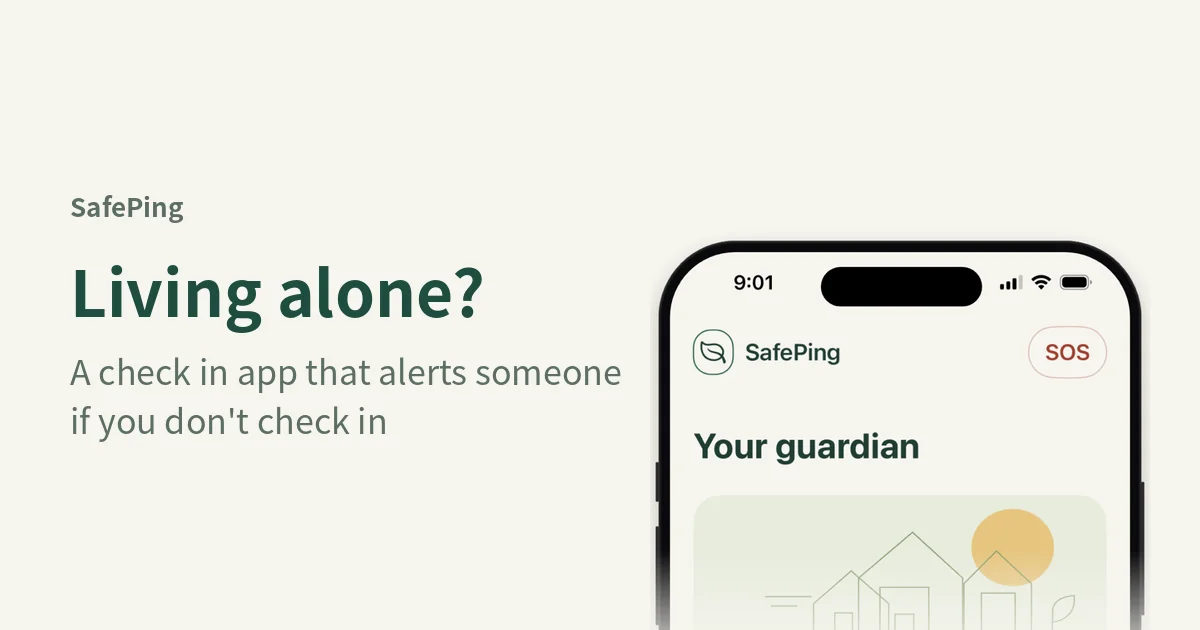
If you live on your own, a check in app for living alone can give the people you care about a simple plan: you set a check-in deadline, pick emergency contacts, and check in before the deadline. If you don't check in, SafePing sends your emergency contacts a text with your last successfully sent location. It's built for anyone who spends time alone, whether that's coming home late, heading out solo, or simply managing an ordinary day on your own.
The short answer
Set a check-in deadline and add at least one emergency contact. Check in before the deadline to say you're safe, or extend it if you need more time. If the deadline passes without a check-in, an SMS goes to your contacts with your last location. SafePing is meant for people who want a quiet backup plan, not for emergencies that need immediate help.
Why agree on a time in advance
Many people already have a habit of texting a friend, "Text me when you get home." That works, but it leaves a gap. Your friend doesn't know when to start worrying, so they either wait too long or call you again and again.
A set deadline solves that. Your contacts know the time you expect to check in. Nobody needs to keep asking, and you don't need to keep answering. If the time passes with no check-in, the plan you agreed on takes over.
Setting a deadline for your daily life
The app offers three scenarios, each with its own name:
- Heading home: set your arrival time and check in when home.
- Going out alone: set a check-in time for a run, meeting or solo outing.
- Daily check-in: each check-in renews your next check-in deadline.
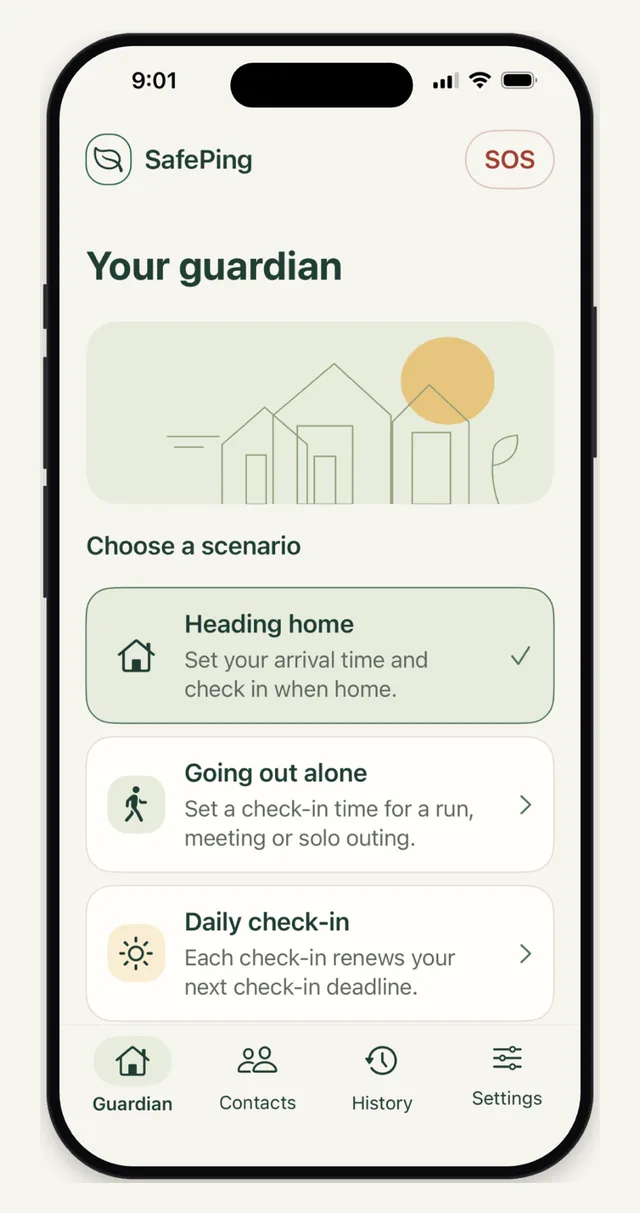
Pick the scenario that matches your plans, and set a deadline you can realistically meet, because one you never meet only makes your contacts anxious.
How to start a guardian session
Before you can start, you need to add at least one emergency contact. You can add up to two phone numbers. Then:
- Add your emergency contacts.
- Set your check-in deadline.
- Watch one rewarded ad all the way through to start the guardian session.
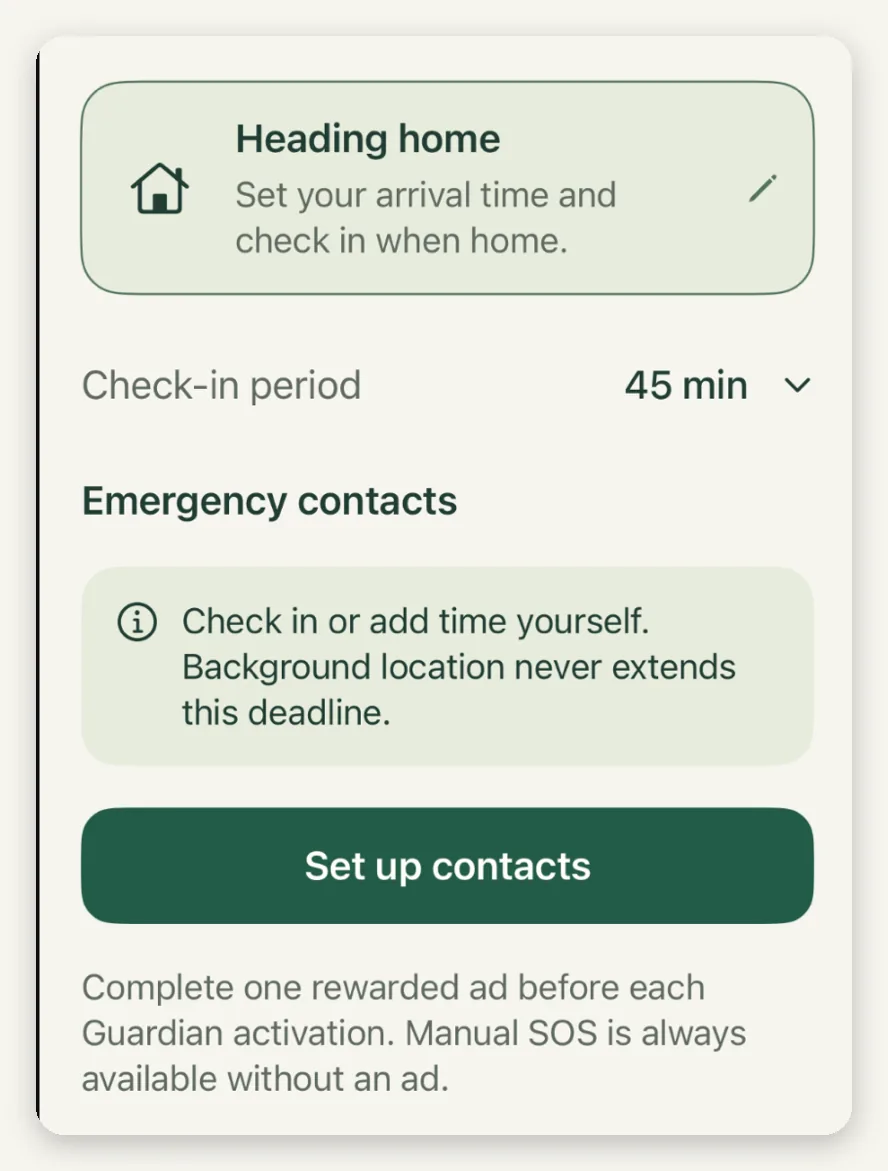
Every time you start a guardian session, you must watch one full rewarded ad. If you close the ad early, or if no ad loads, the session does not start. There are no shortcuts around this step.
Set up your deadline and contacts once, then check in when you arrive. Your contacts only receive a message if you don't. Download SafePing from the App Store or Google Play.
Checking in or extending before the deadline
Before the deadline, you have two options. You can check in to say you're safe, or you can extend the deadline if you need more time. Either action resets the clock.
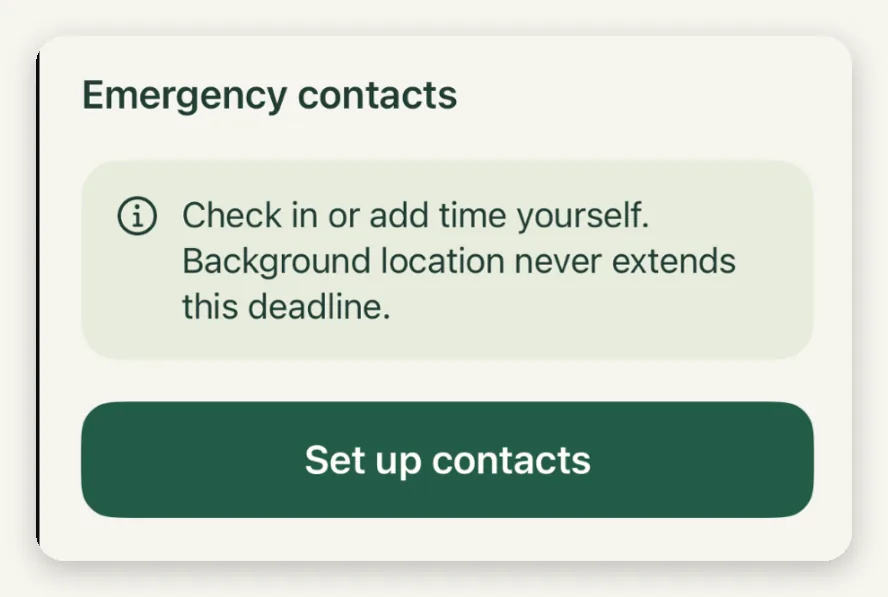
Keep in mind that background location updates do not postpone the deadline. Your phone may keep sending location while you walk around, but only a check-in or an explicit extension changes when the deadline arrives.
When SafePing alerts your contacts, and when it doesn't
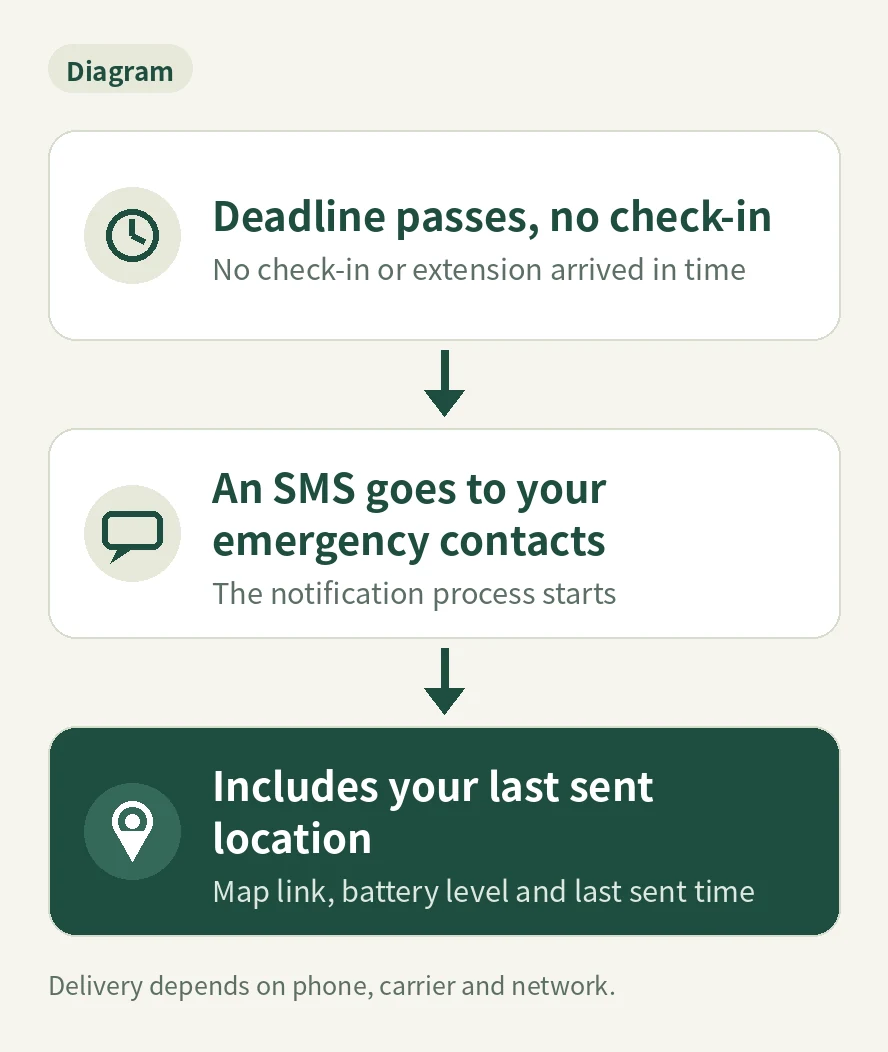
If the deadline passes without a check-in, the notification process starts. An SMS goes to your emergency contacts with:
- the last location your phone successfully sent, as a map link
- your phone's battery level
- the last report time (the last time your phone successfully sent an update)
Actual delivery depends on your phone, its permissions, your carrier, and your network connection. SafePing does not guarantee that every message will arrive.
No alert is sent if you check in or extend before the deadline. No alert is sent if the guardian session never started because the ad wasn't fully watched. If your phone is off or out of battery, a deadline that was already synced to the cloud can still be monitored, but the location will only be the last one successfully sent and may be outdated.
Need help right now? Send an SOS
If you need help before your deadline, you can send an SOS yourself at any time. You don't have to wait for the timer, and manual SOS does not require watching an ad. On some phones, the system may show a screen so you can finish sending the text message. After an SOS, or after a session stops, SafePing does not restart by itself. You'll need to start it again.
Choosing your emergency contacts
You can add up to two emergency contacts. Pick people who can usually answer their phone and who know your routine well enough to take a sensible next step.
Talk with them before you rely on the app. Tell them that a missed check-in means you haven't checked in yet. It does not mean the system has decided something happened to you. Agree in advance on what they should do first. For example, they might call you, then reach out to someone nearby, or ask official help if the situation calls for it.
After you start a session, you can share an invitation for that session, and your contacts can respond after accepting it. The session history records starts, check-ins, extensions, endings and alert events, with delivery status and contact responses shown separately. A contact viewing or responding does not prove that you are safe.
Frequently asked questions
Is SafePing an emergency service? No. SafePing is not an emergency service and cannot guarantee delivery or rescue. In danger, contact your local emergency services first.
What if my phone dies? A deadline that was already synced to the cloud can still be monitored. However, the location will only be the last one your phone successfully sent, and it may be outdated.
Does moving around extend the deadline? No. Background location updates do not postpone the deadline. Only checking in or explicitly extending changes it.
Do I need to watch an ad for SOS? No. Manual SOS does not require an ad. Starting a guardian session does require watching one full rewarded ad each time.
Before you go, set up one deadline
A check in app for living alone works best when it's simple. Add your contacts, set a deadline that fits your day, and check in when you're safe. SafePing is available on iPhone and Android, Download it from the App Store or Google Play, or learn more on the SafePing website.